Sequence is a very flexible wallet which allow users multiple ways to connect / access their wallet. This includes:Documentation Index
Fetch the complete documentation index at: https://sequence-0fb8d9e6-unreal-quickstart-with-marketplace.mintlify.app/llms.txt
Use this file to discover all available pages before exploring further.
- On-demand Ethereum web wallet for new users via 0xsequence npm package + https://sequence.app — this option allows developers to offer users an on-demand web3 wallet. No user install required — any browser will just work, and users can onboard with a familiar Web2 experience. Think of it like Paypal / Stripe but for web3.
- Surf all of web3 via Sequence Wallet Chrome Extension — users who have the Sequence Wallet Chrome Extension installed are able to access any Ethereum-compatible Dapp on the Web :) Just like how MetaMask works, but of course with a bunch of the benefits of Sequence.
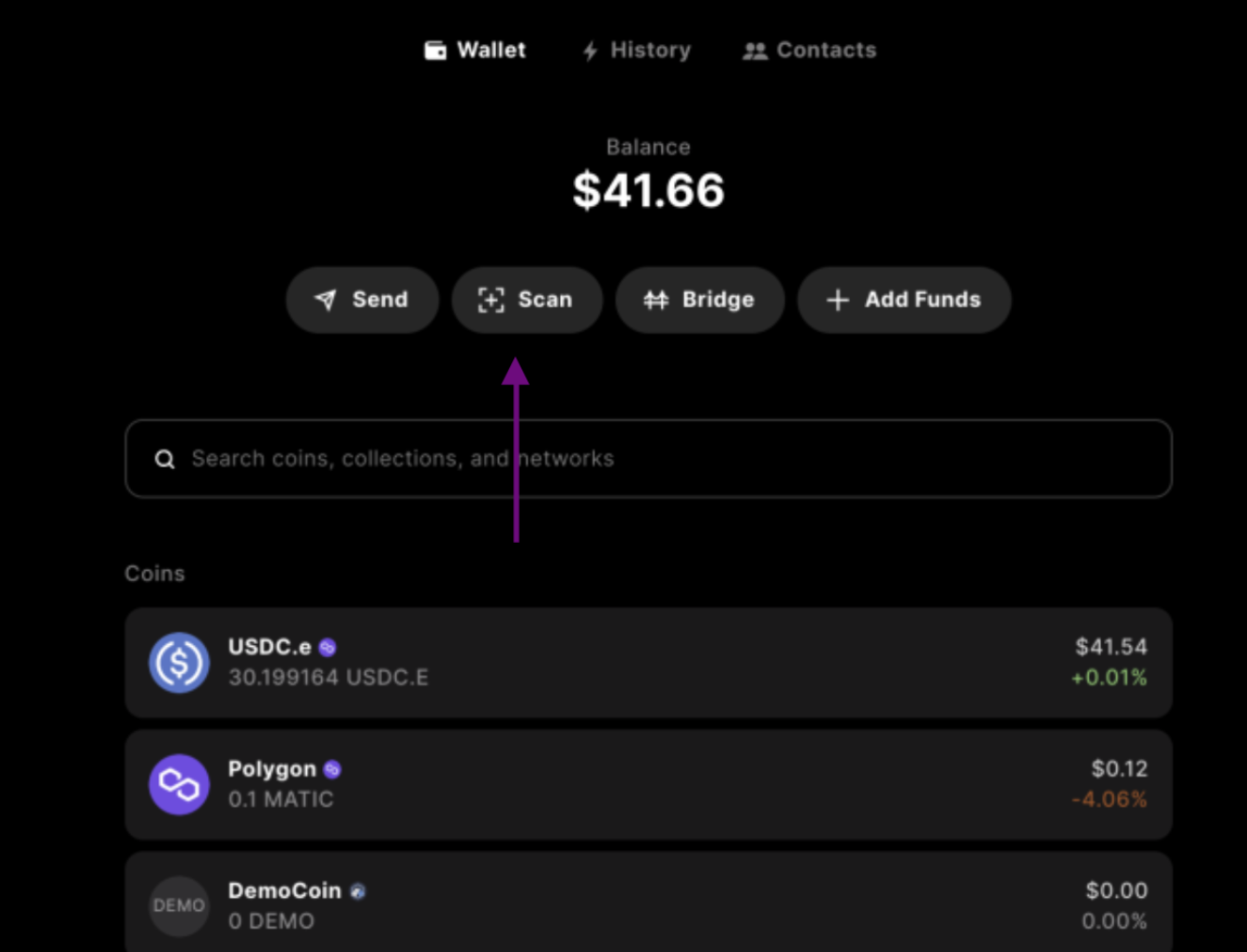
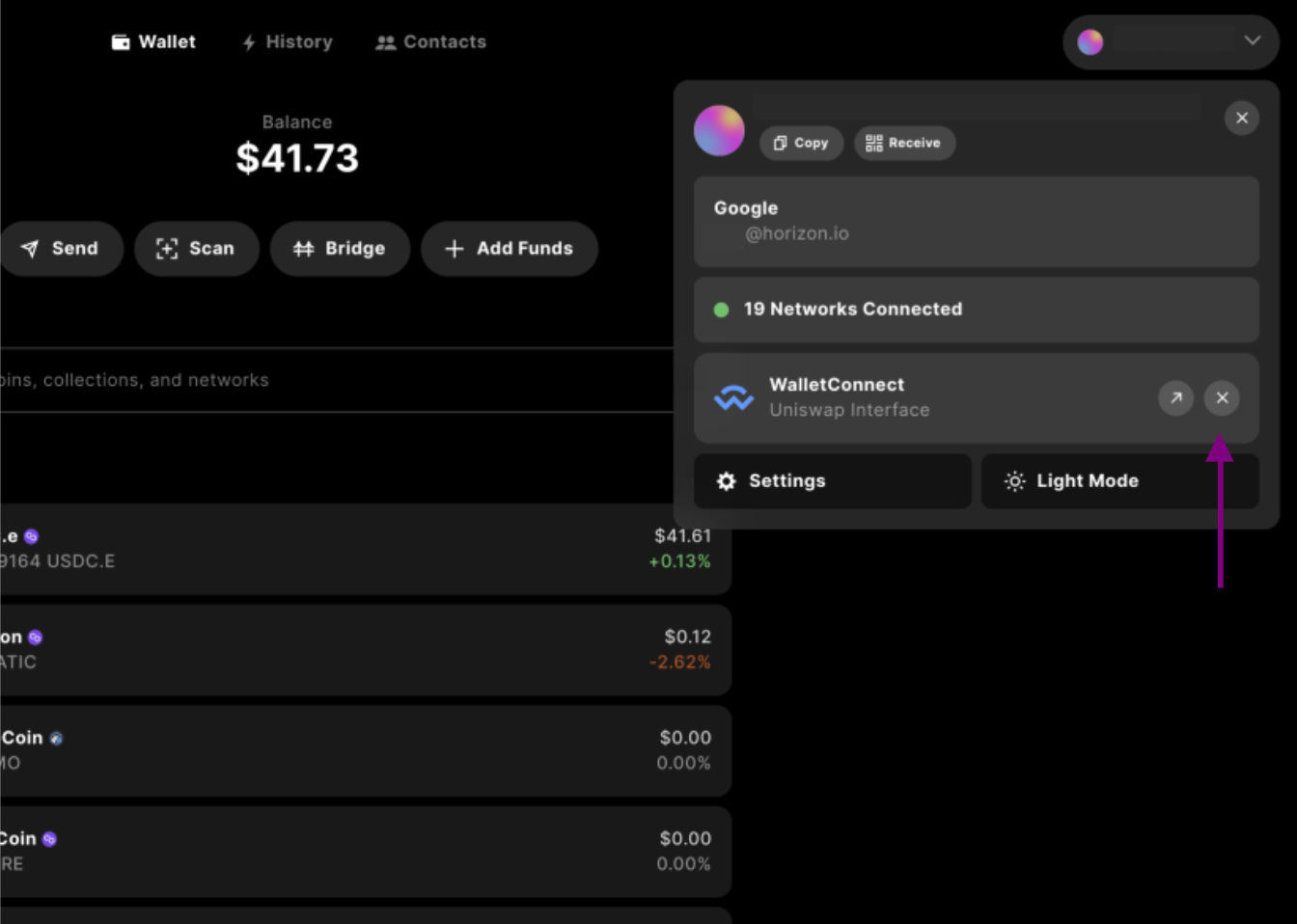
- Mobile phone access via WalletConnect support within Sequence Wallet — users are able to communicate with their wallets remotely via the awesome Wallet Connect protocol. This is an excellent option if using Sequence Wallet from your mobile phone and want to connect your wallet to a desktop dapp.
Connecting your dapp with 0xsequence
[A delightful wallet without requiring your users to install anything :D]
By integrating
0xsequence, users may access your dapp without having to install any special extensions,
and the wallet also works on mobile browsers!getWallet() method:
signInOptions. Will be ignored if user is already signed in.
wallet.openWallet() to open the wallet:
openWithOptions intent to pass settings when you open the wallet:
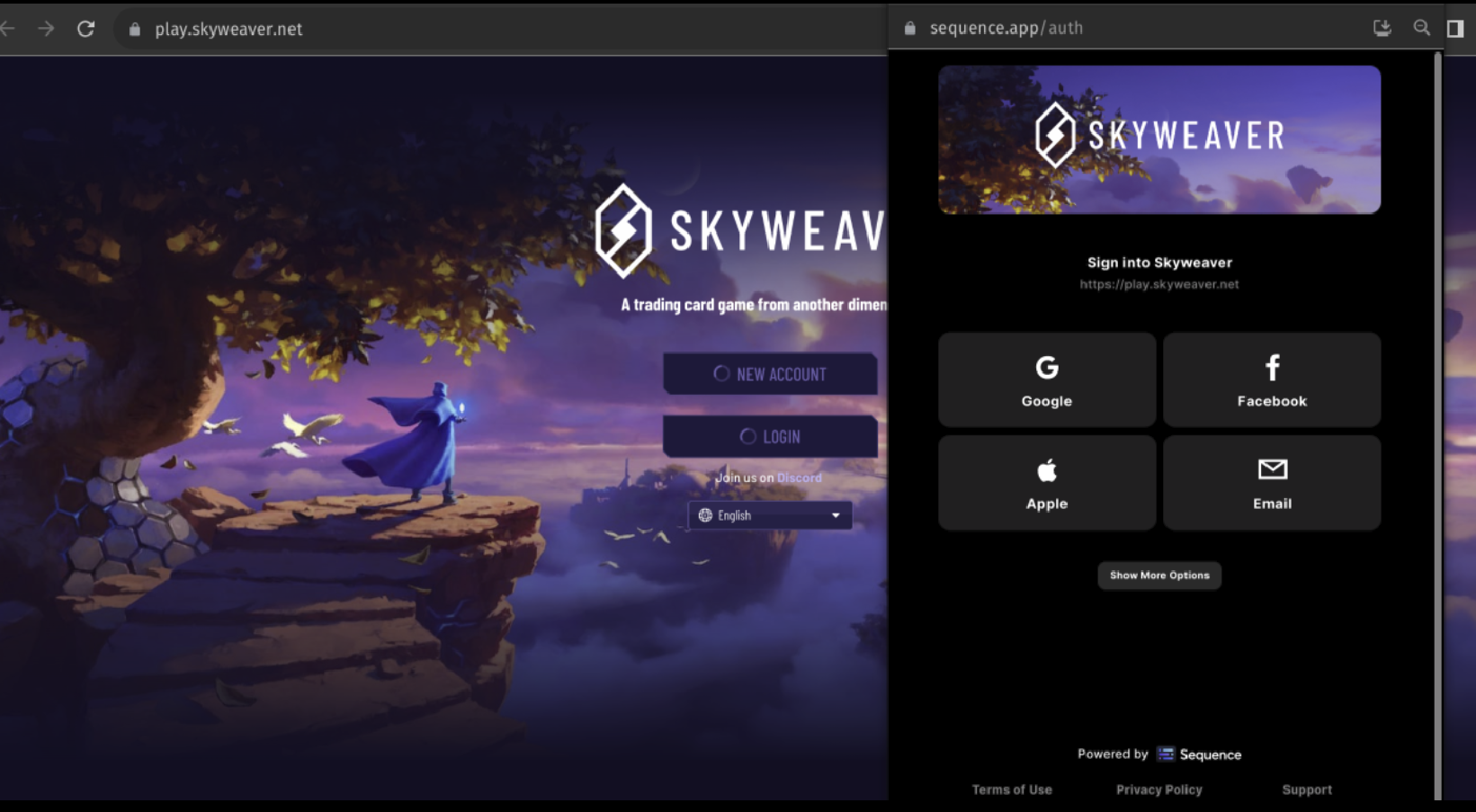
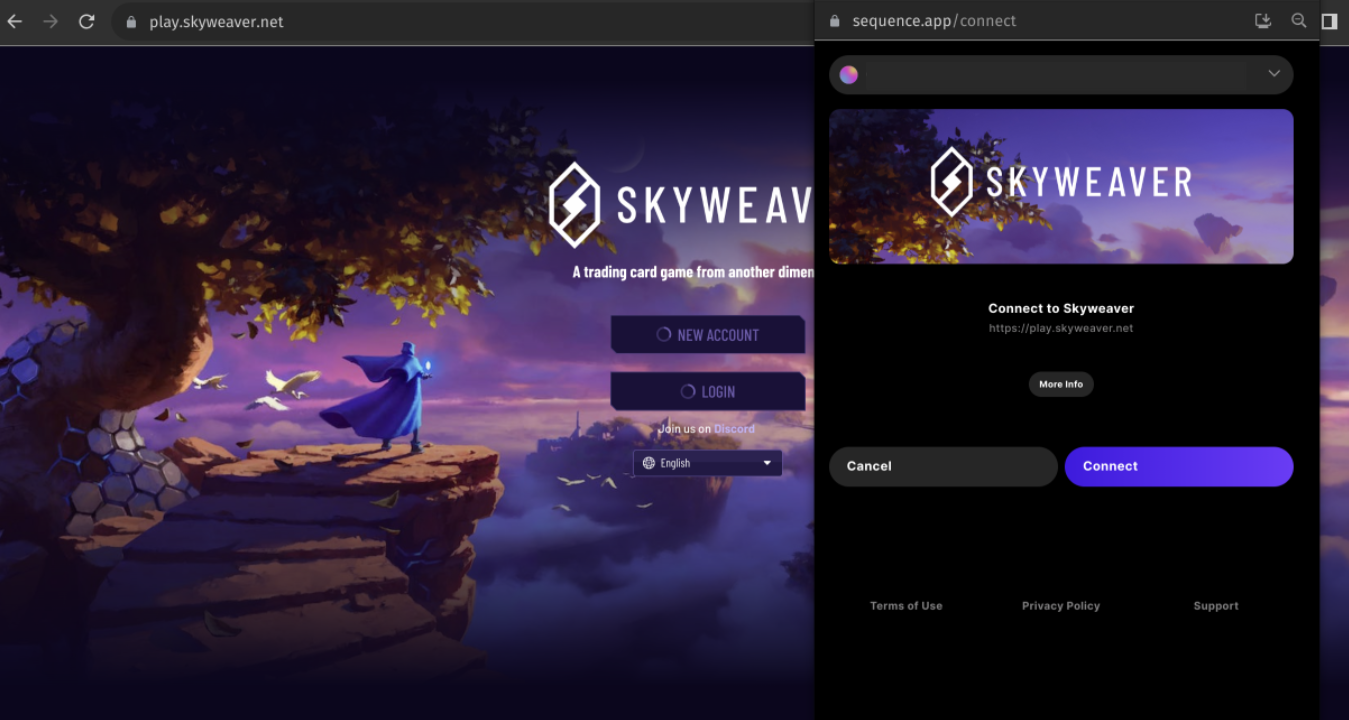
Wallet Login and Connect Options
Dapps with direct sequence integration can specify aConnectOptions object when running wallet.connect().
app
App name of the dapp which will be announced to user on connect screen. Example:await wallet.connect({ app: 'My defi app' })
appProtocol
Custom protocol for auth redirect (unity/unreal).origin
Origin hint of the dapp’s host opening the wallet. This value will automatically be determined and verified for integrity, and can be omitted.expiry
Expiry number (in seconds) that is used for ETHAuth proof. Default is 1 week in seconds. Example:await wallet.connect({ expiry: 36000 })
authorize
authorize will perform an ETHAuth eip712 signing and return the proof to the dapp.
Example: await wallet.connect({ authorize: true })
authorizeNonce
authorizeNonce is an optional number to be passed as ETHAuth’s nonce claim for replay protection.
Example: await wallet.connect({ authorizeNonce: 123 })
refresh
refresh flag will force a full re-connect (ie. disconnect then connect again).
Example: await wallet.connect({ refresh: true })
keepWalletOpened
keepWalletOpened will keep the wallet window open after connecting. The default is to automatically close the wallet after connecting.
Example: await wallet.connect({ keepWalletOpened: true })
askForEmail
askForEmail will ask user whether they want to share the email they use to sign in to wallet while connecting, and will be returned in connectDetails.
Example: await wallet.connect({ askForEmail: true })
settings.theme
Name of one of the available theme provided by sequence the sequence wallet will be rendered with. Example:await wallet.connect({ settings: {theme: "light"}}
settings.bannerUrl
URL of a banner image users will see when connecting or logging into your dapp. The banner image should follow a 3:1 aspect ration where 1200x400 works best. Example:await wallet.connect({ settings: {bannerUrl: "https://yoursite.com/banner-image.png"}}
settings.signInWith
SpecifysignInWith with a supported auth provider to automatically sign in the user with that provider only. Will be ignored if user is already signed in.
Example: await wallet.connect({ settings: {signInWith: "google"}}
Supported Providers: “google”, “discord”, “twitch”, “apple”, “facebook”
settings.signInWithEmail
Specify signInWithEmail with an email address to allow user automatically sign in with the email option. Will be ignored if user is already signed in. Example:await wallet.connect({ settings: {signInWithEmail: "user@email.com"}}
settings.signInOptions
Specify signInOptions to pick/limit the available sign in options. Will be ignored if user is already signed in. Example:await wallet.connect({ settings: {signInOptions: ["email", "google", "apple"]}}
settings.includedPaymentProviders
List of payment providers users will be able to access. By default, users can access all payment providers integrated in Sequence. Example:await wallet.connect({ settings: {includedPaymentProviders: ["moonpay", "ramp"]}}
settings.defaultFundingCurrency
The tag of the default currency to show when users open the payment provider page. The currency has to be supported by the payment providers integrated in sequence. Example:await wallet.connect({ settings: {defaultFundingCurrency: "usdc"}}
settings.defaultPurchaseAmount
Use to specify a default purchase amount, as an integer, for prefilling the funding amount. If not specified, the default is 100. Example:await wallet.connect({ settings: {defaultPurchaseAmount: 200}}
settings.lockFundingCurrencyToDefault
Whether to only allow users to purchase the default currency specified by thedefaultFundingCurrency option. If set to false, users will also be able to purchase other tokens. locking the default funding currency can be useful to prevent users from purchasing the wrong currency or the currency on the wrong chain.
Example: await wallet.connect({ settings: {defaultFundingCurrency: true}}
Connecting your dapp with web3.js or ethers.js
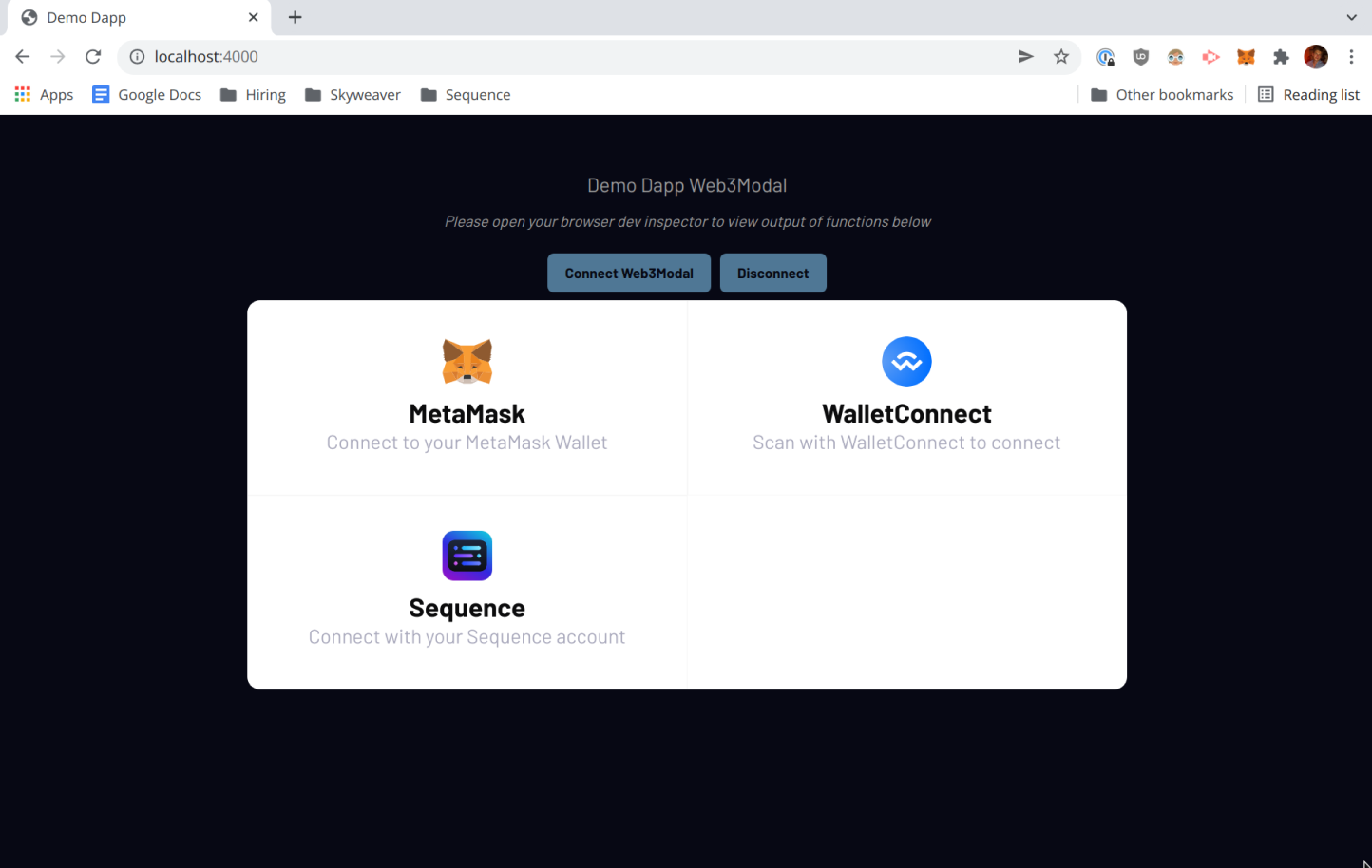
For a full example of a dapp which supports Sequence (on-demand + chrome extension), Metamask, and WalletConnect
please see the Demo-Dapp-Web3Modal repo.
Connecting to any Ethereum dapp with the Sequence Wallet Chrome Extension
Sequence Chrome Extension: Install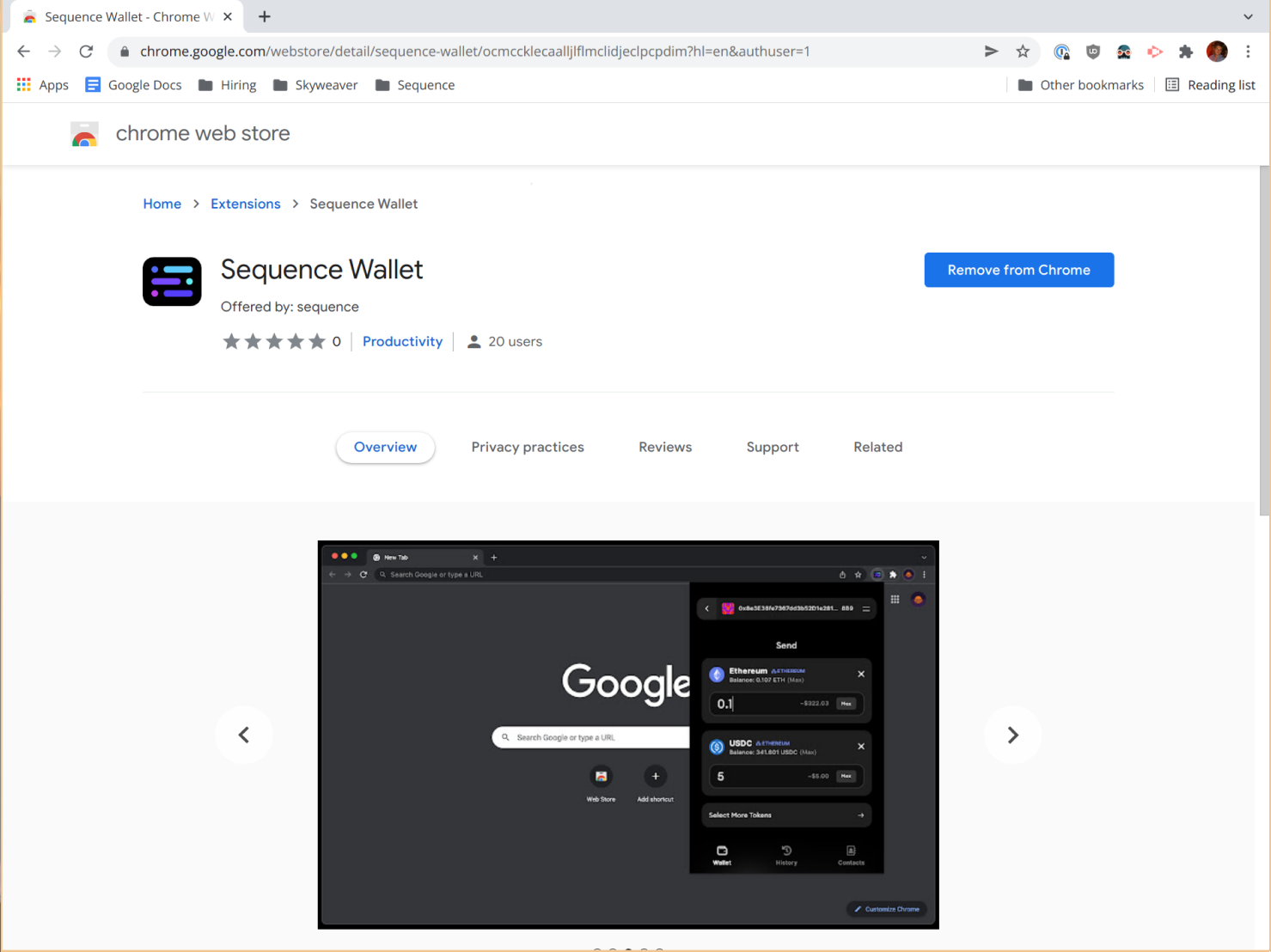
Connecting via WalletConnect
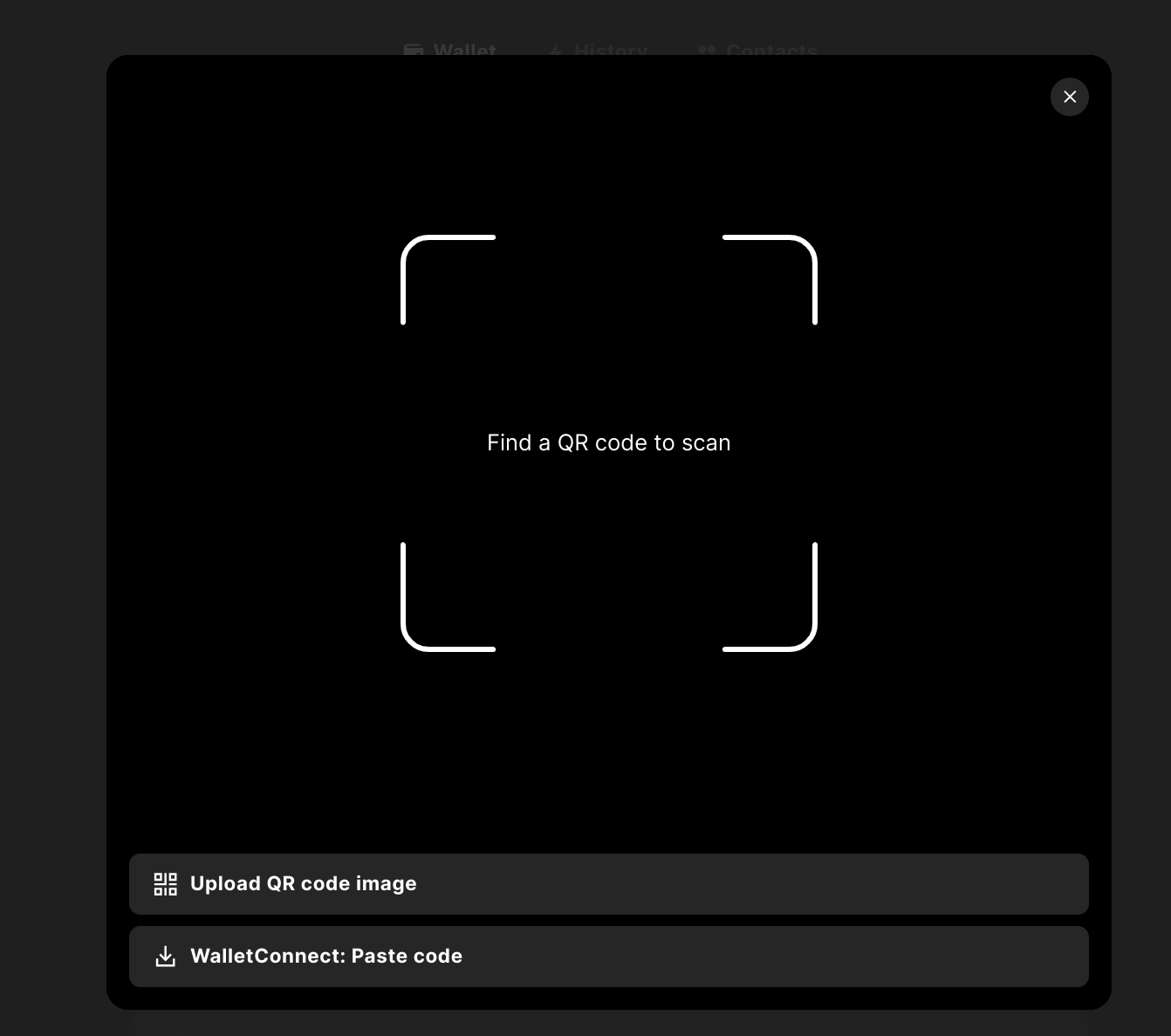
Sequence already supports connecting to dapps via WalletConnect.
If your dapp already supports WalletConnect, and you don’t need Sequence-specific functionality, nothing more needs to be done.
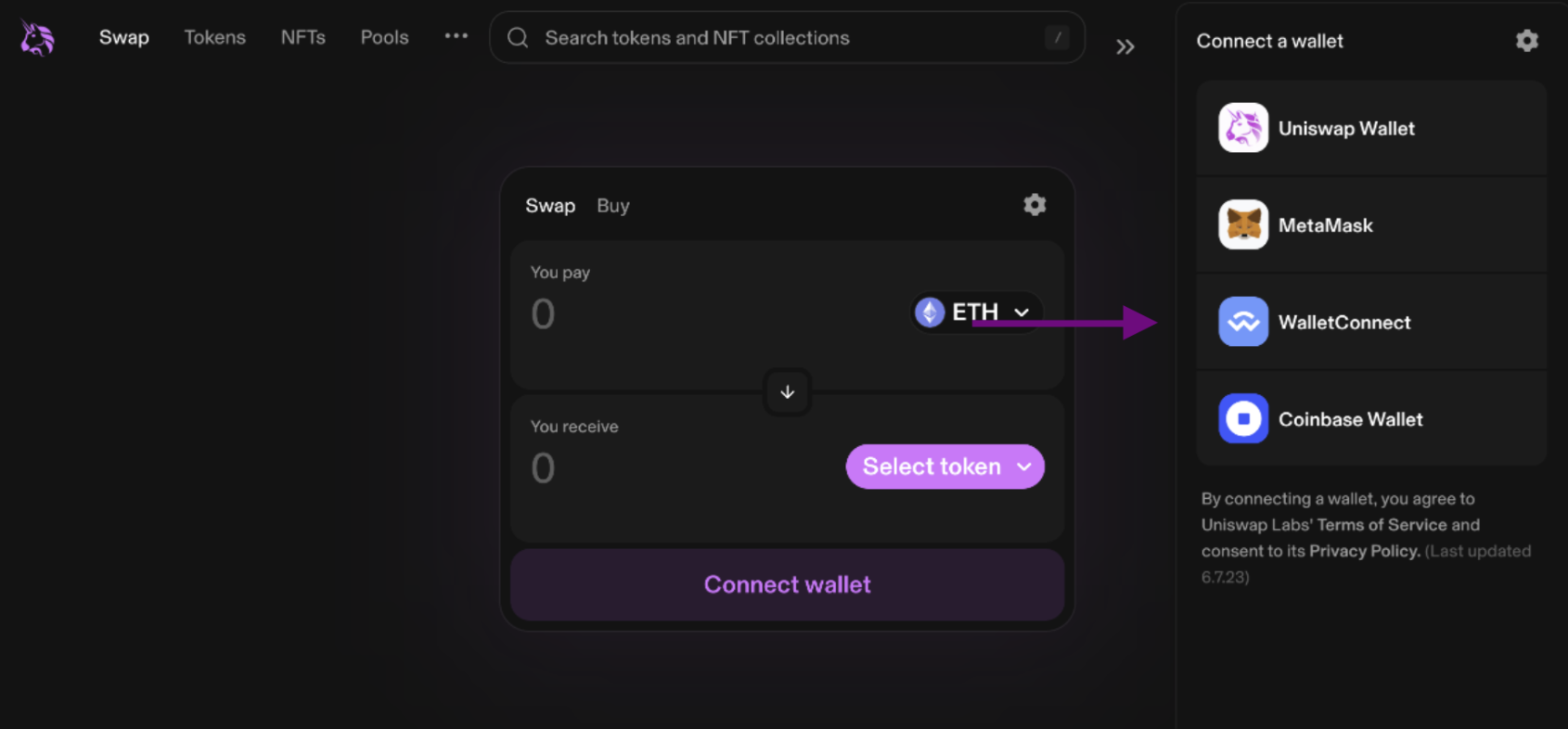
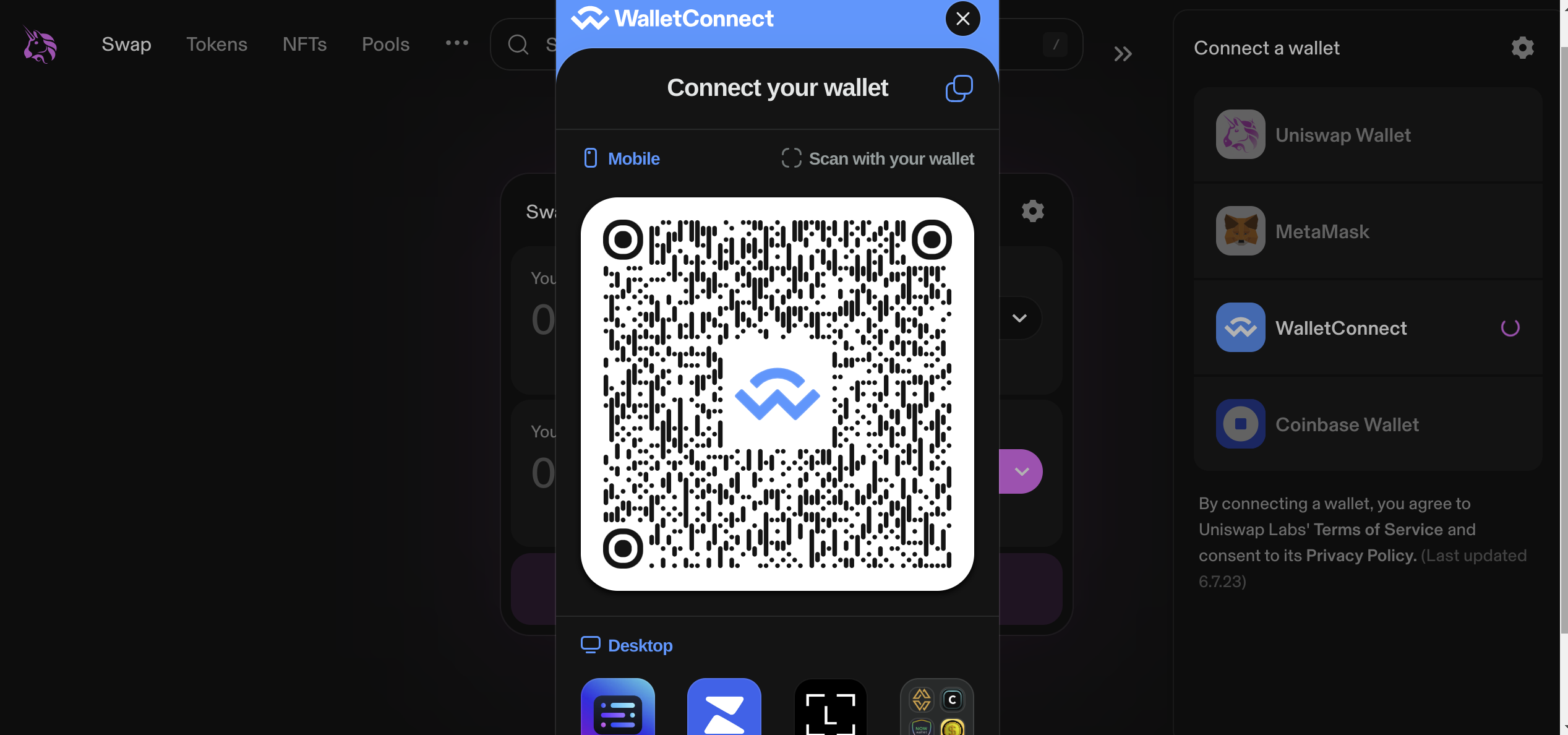
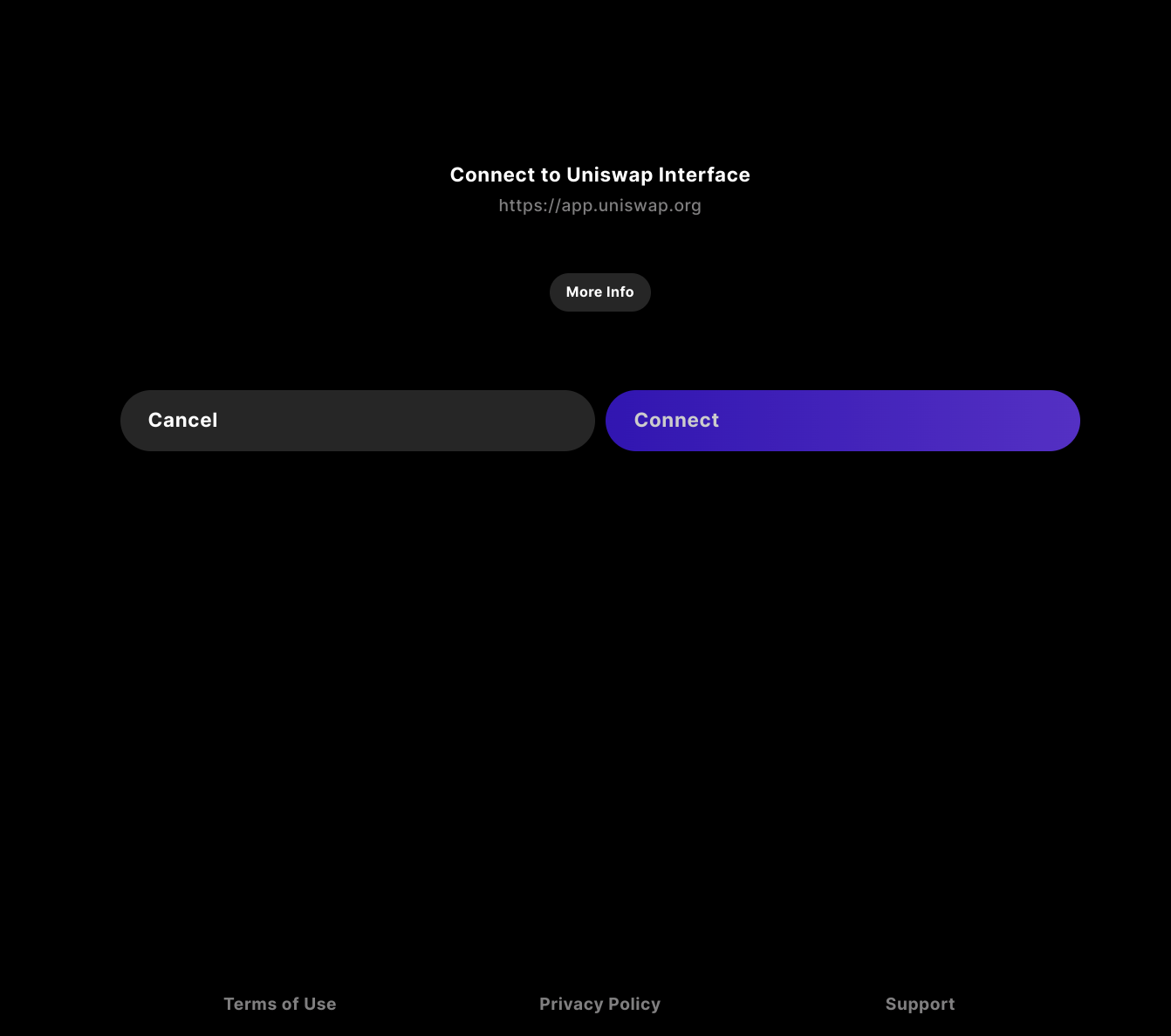
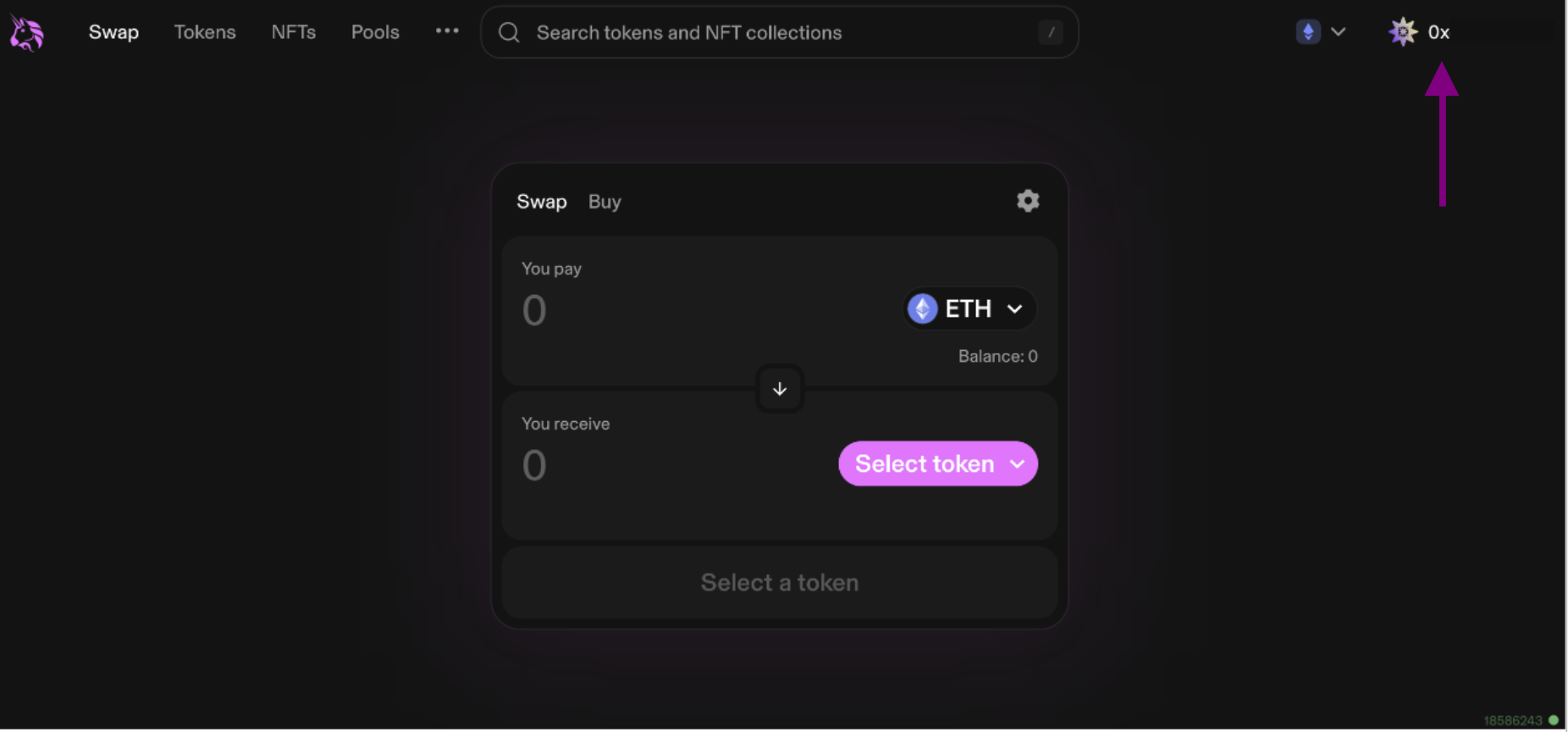
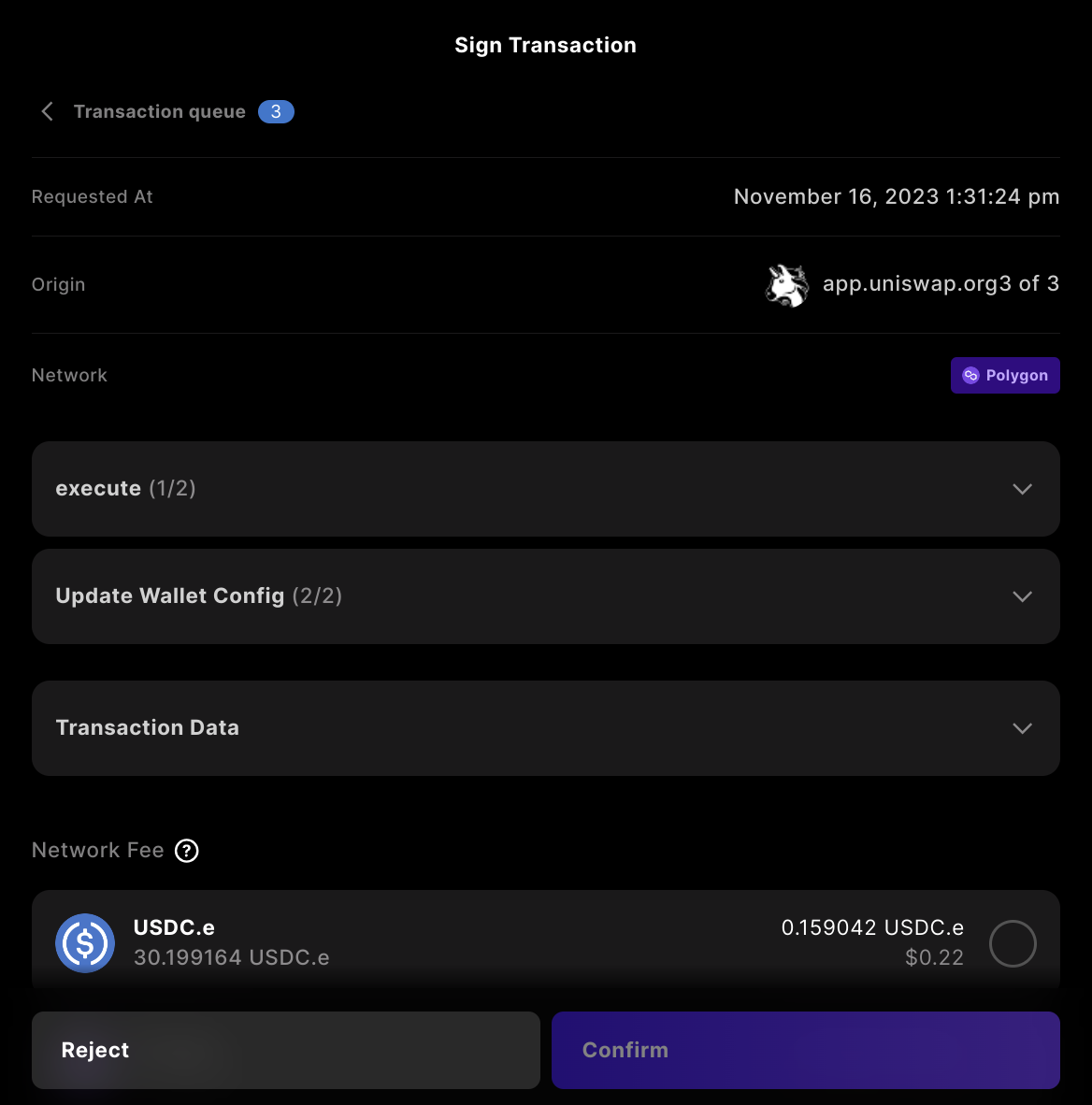
From the user’s perspective, the WalletConnect flow behaves as follows.
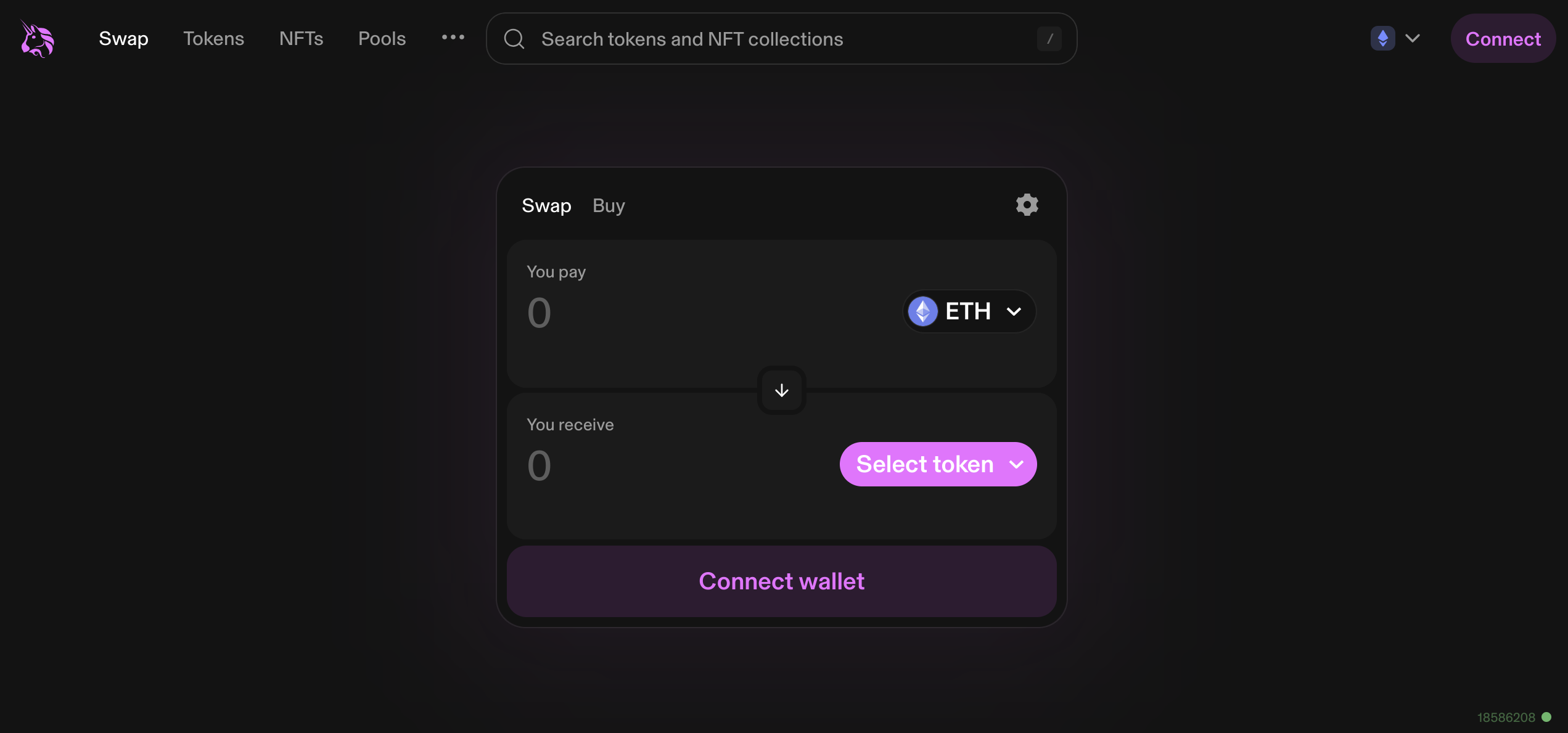
Taking Uniswap as an example, the user is prompted to connect their wallet using one of multiple possible protocols.